
An AI colleague that sees what you see.
A prototype that turns your best operators' work into XR training, and puts an AI agent beside every new one. We're running it in early industrial pilots.
Pilot program for companies, waitlist for individuals. Realm Lens is a prototype used in pilots with industrial partners. It is not for sale.
Two prototype pairs. One agent.

Realm Lens
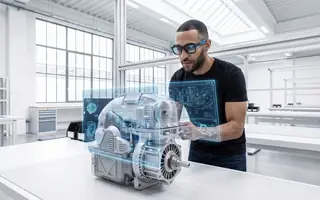
A prototype of wraparound glasses for the floor. The camera sits at the bridge and looks toward your hands.

Realm Lens Audio
No camera. Microphone and open ear speakers, for places where a camera isn't welcome.
Illustrations of prototypes. Design and specification can change during the pilots.
A fully agentic organisation starts on the floor.

The expert just does the job
Their work is recorded as they do it and turned into training material, in a form AI agents can read and reason about.

The next operator follows along
New operators watch the expert's actions in XR, right where the work happens, and can ask the agent questions as they go.

The trainer checks the replay
Trainers can replay a student's work to confirm each task was done right. In the pilots we are testing how the agent can point out where it differs from the procedure.
Keep your experts' knowledge on the floor.
Record it once. Teach it every shift.
The expert records the job, edits the AI drafted steps and publishes the procedure in the Realm editor.
- 01 · RECORD
Record what you do
Do the job as usual. The recording becomes the starting point for an instruction.
- 02 · EDIT
Shape it in the editor
AI drafts the steps from your recording; you split, trim and add notes.
- 03 · PUBLISH
Go live
Publish the instruction to your Realm portal when it is ready.
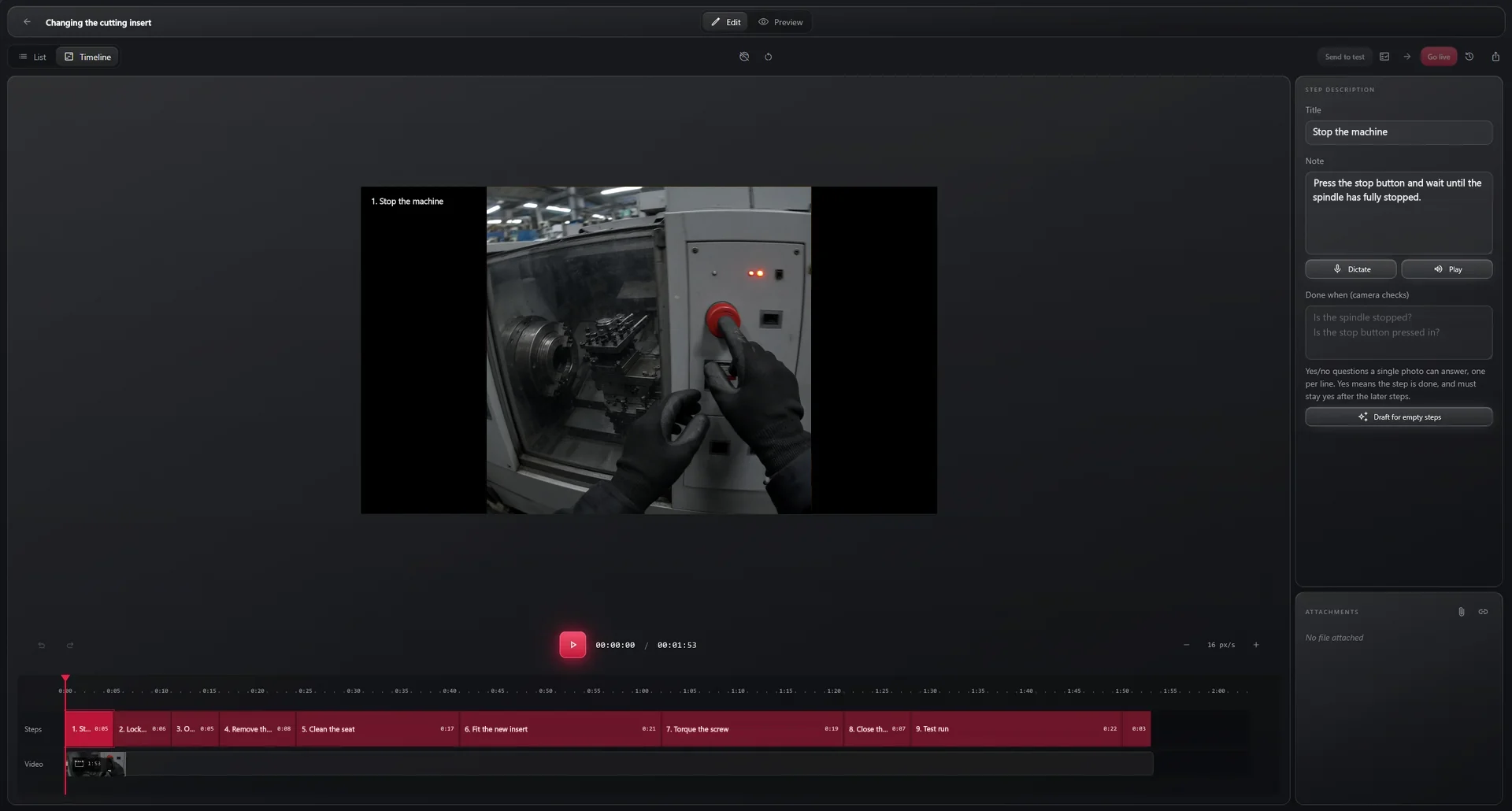
Ask, and watch the next step.
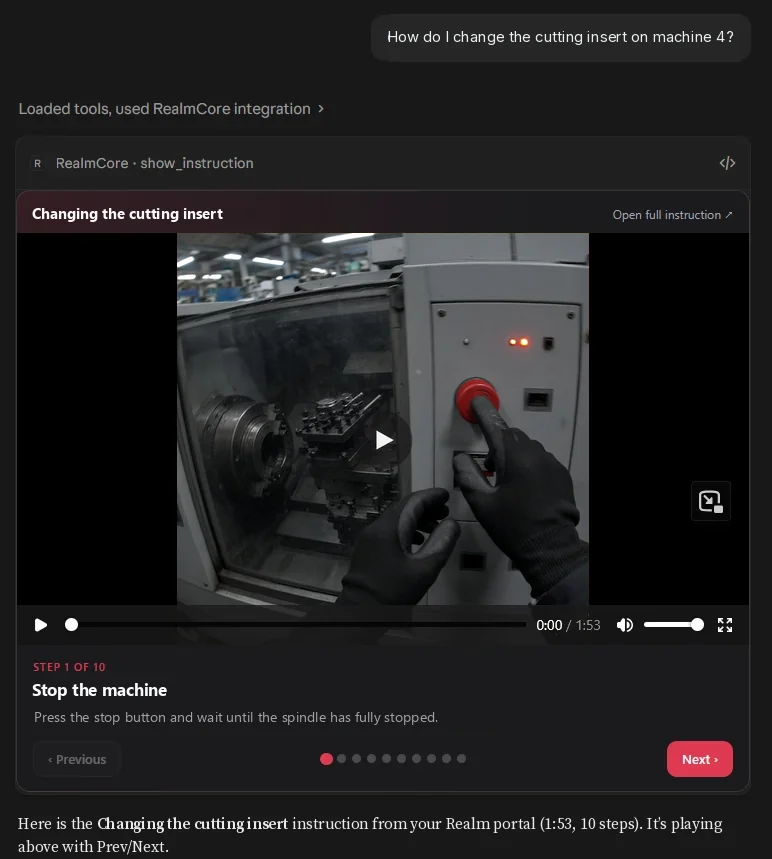
Ask “How do I change the cutting insert on machine 4?” and get the expert's video, step by step.
- Changing the cutting insert
- Daily press check
- Line changeover
- Pallet wrapper reset
- Weld tip change
- Conveyor jam clearing
- Torque tool calibration
- Coolant top up
- Robot cell restart
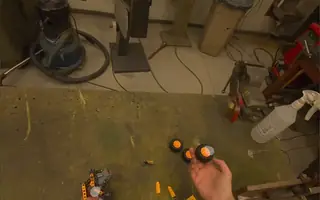
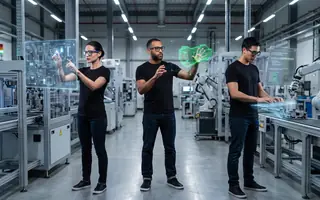
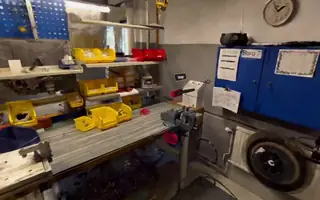
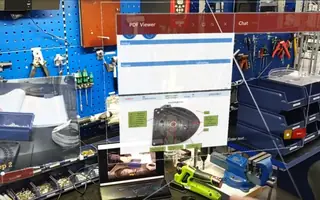
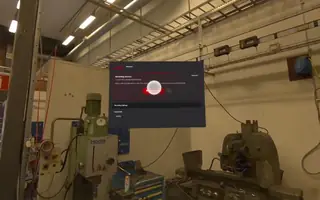
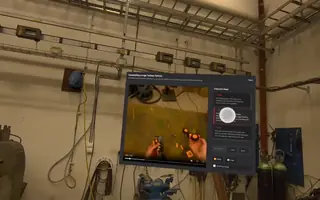
How do I change the cutting insert on machine 4?
Here is the instruction from your Realm portal.
Illustrative demo
Store your organisation's work recordings in an accessible format.
Every instruction becomes part of your knowledge graph, ready for people, AI assistants and XR.
Works through MCP with
 Claude
 ChatGPT
- Codex
 Gemini
 GitHub Copilot
 Grok
 Ollamaopen source, runs locally
Any assistant with MCP support. Names and logos belong to their owners.
Realm Knowledge
The expert's procedures, recorded and published once, then used on the floor. Developed in ARTISAN, a project supported by Vinnova.
How it was built: the ARTISAN project →When AI isn't enough, bring the expert.
Scan your site in 3–4 minutes. It builds in 5–10, then a remote expert steps in to inspect, navigate and annotate.
See the whole chain, site by site.
Realm Operation ties Realm Knowledge, Realm Lens and RealmTeleport together with AI agent support, across all your sites.
- Every site and its tickets in one view
- Live views from the floor
- The pages that govern each place
The Realm products
- Realm KnowledgeCaptures how your best people work and delivers it as step by step guidance for the next operator.→
- RealmTeleportLets a remote expert step into a captured site in 3D to inspect, navigate and annotate.→
- Realm OperationMonitors the business chain: sites, tickets, live views from the floor, and the pages that govern each place.→
- Realm LensA prototype of wraparound glasses for the floor. It is not for sale.→
Ready to start with an early pilot?
Test the new flows on your own floor and work with us on the Realm Lens prototype. We will get in touch about timing and whether a pilot fits your operation.
Prefer to talk? Book a pilot · Oscar Thaung · +46 76 22 84 607
Not a company? Join the waitlist.
Leave your email and we will let you know when there is news about Realm Lens for individuals. It is only a waitlist. Nothing is sold, there is no price and no purchase.