Digital work instructions recorded from real work
Digital work instructions from AugmentedRealm start with a recording of the expert doing the job, not with a blank document. AI drafts the steps, the expert edits them in the Realm editor and publishes the procedure. Operators then follow the expert's video step by step, in AI assistants through MCP and in XR.
Keep your experts' knowledge on the floor.
The problem with paper and PDF instructions
Written instructions take time to write, and the people who know the job best are rarely the ones with time to write them. Text describes a step, but it can't show the hands doing it. Once a document is out of date, operators go back to asking the person next to them, and the knowledge stays in a few heads.
Record the job, edit the AI drafted steps, publish
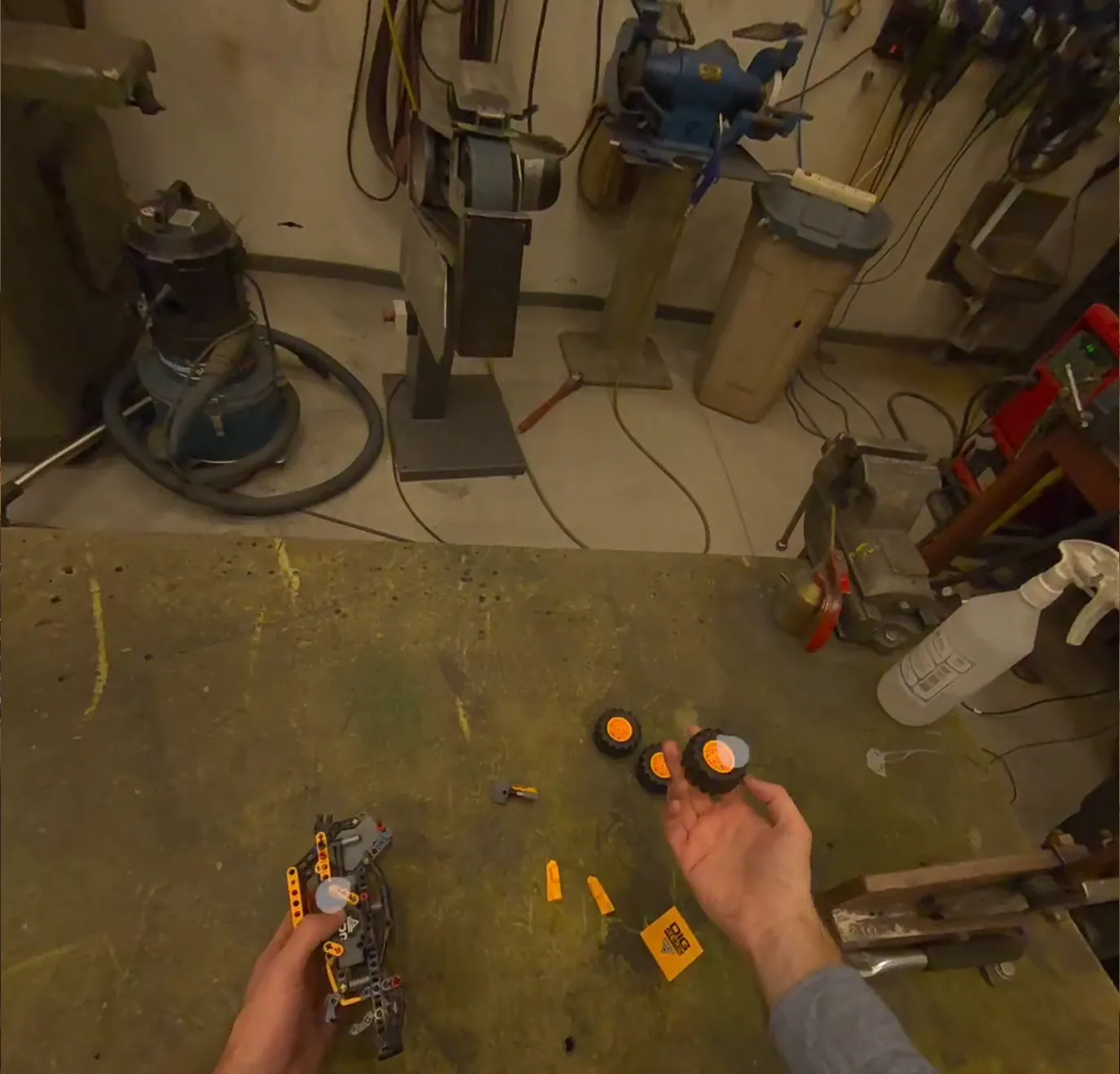
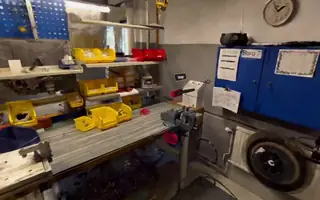
- Record what you do. The expert does the job as usual. The recording becomes the starting point for the instruction.
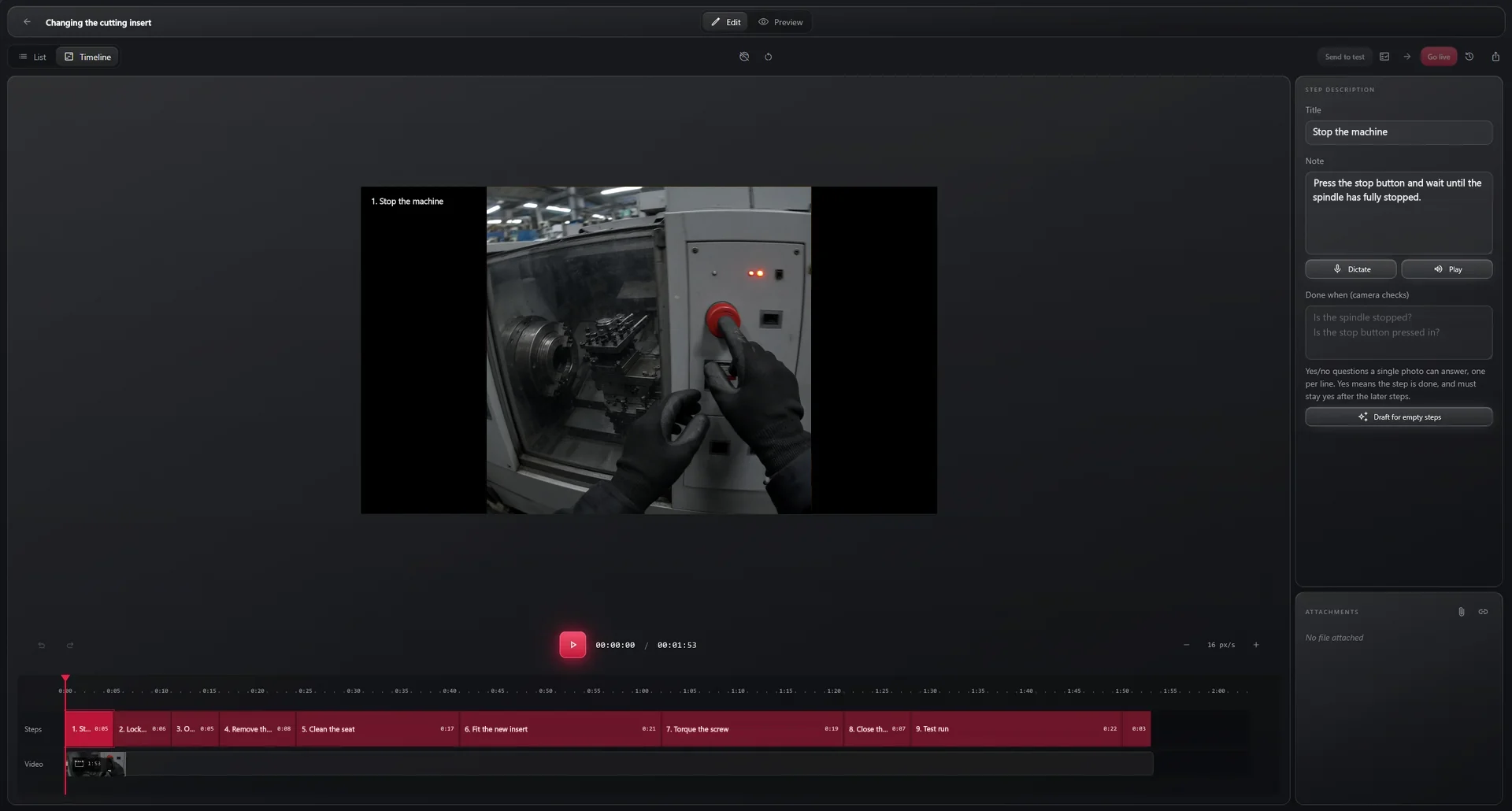
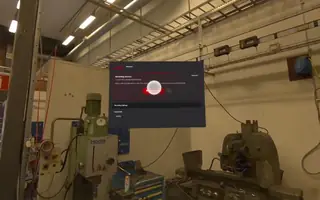
- Shape it in the Realm editor. AI drafts the steps from the recording and suggests a title and timestamped steps, for example from "Stop the machine" to "Test run". The expert splits, trims and adds a note to each step with what the next operator needs to know.
- Publish. Press Go live to publish the instruction to your Realm portal. A person decides when an instruction is ready.
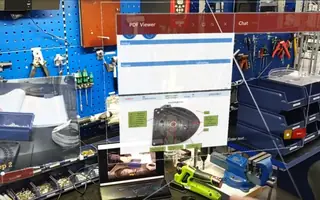
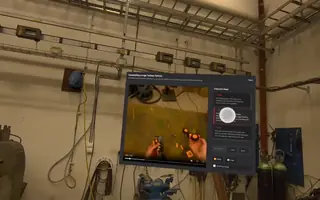
- Use it. The published instruction is available in AI assistants with MCP support and in XR.
One source for AI assistants and XR
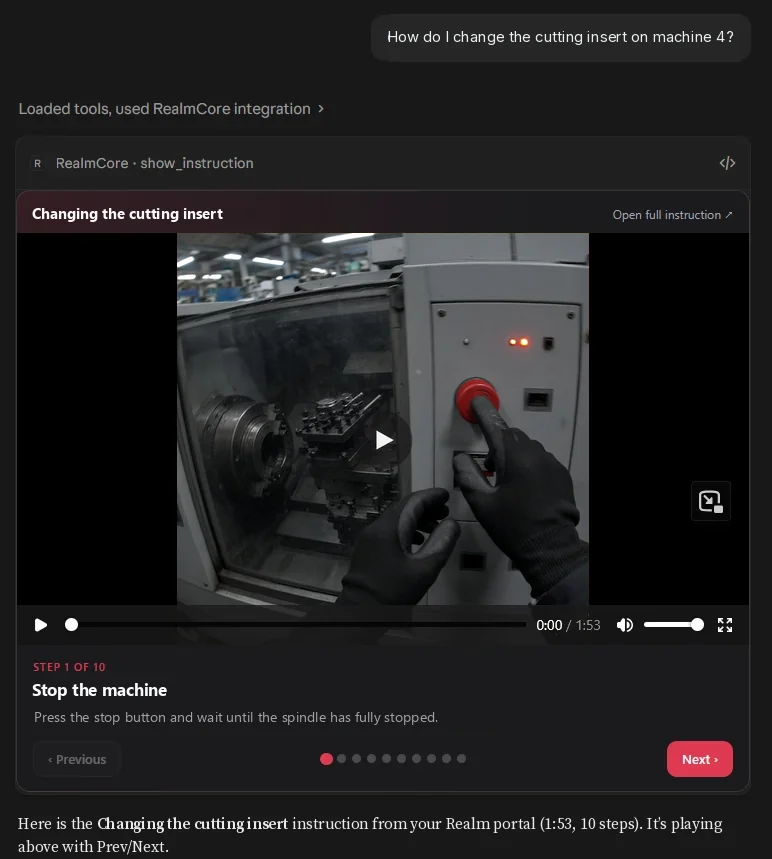
Every published instruction is available to AI assistants with MCP (Model Context Protocol) support, such as Claude, ChatGPT, Codex, GitHub Copilot, Grok, Gemini and Ollama. The assistant can bring up and play the instruction inside the chat. In XR, the same steps show up in the worker's view, right where the work happens. Both use the same published instruction, so there is one source to keep up to date. Names and logos belong to their owners.
Paper SOP, plain video or Realm Knowledge
| Paper or PDF SOP | Plain video | Realm Knowledge | |
|---|---|---|---|
| What's captured | A written description of the steps | The job as filmed, in one piece | The expert's recording, split into timestamped steps with notes |
| Who keeps it current | Whoever owns the document, by rewriting it | Whoever films it again | The expert, who edits and publishes in the Realm editor |
| Where operators see it | At the station or in a document system | In a video library or shared drive | In AI assistants with MCP support and in XR |
| How operators find the right step | By reading through the document | By scrubbing through the video | By asking in plain words |
Example: changing the cutting insert on machine 4
An operator asks: "How do I change the cutting insert on machine 4?" The answer is the published instruction from the Realm portal, "Changing the cutting insert", with the expert's video for each step, from "Stop the machine" to "Test run". The operator follows it step by step and can ask questions as they go.
- Changing the cutting insert
- Daily press check
- Line changeover
- Pallet wrapper reset
- Weld tip change
- Conveyor jam clearing
- Torque tool calibration
- Coolant top up
- Robot cell restart

How do I change the cutting insert on machine 4?
Here is the instruction from your Realm portal.
Illustrative demo
Store your organisation's work recordings in an accessible format.
Every instruction becomes part of your knowledge graph, ready for people, AI assistants and XR.
Try it on one of your processes
A pilot runs for 6 weeks on one real process at one of your sites, with one expert and a small group of new operators. We run the pilot with your team on your floor. Data processing agreement (DPA) with every pilot, and support for your DPIA.
Book a walkthrough or read How it works.
Frequently asked questions
Do we have to write work instructions by hand?
No. The expert records the job as they normally do it, and AI drafts the steps from the recording. The expert then edits the steps and adds notes in the Realm editor.
Who approves an instruction before it is published?
A person does. AI drafts the steps, the expert edits them, and the instruction is published to your Realm portal only when someone presses Go live.
Can operators ask for instructions in ChatGPT or Copilot?
Yes, in any AI assistant with MCP (Model Context Protocol) support, including ChatGPT, GitHub Copilot, Claude, Gemini and Grok. The assistant can bring up and play the published instruction inside the chat. Names and logos belong to their owners.
How are the instructions used in XR?
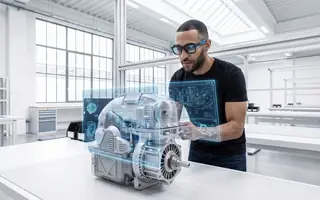
In XR, the same published steps show up in the worker's view, right where the work happens. A new operator can follow the expert's actions on the job and ask questions as they go.
How do we keep instructions up to date?
There is one published instruction for both AI assistants and XR. When the job changes, the expert edits that instruction in the Realm editor and publishes it again.